On this page
Quick answer: To pay an e-challan online, first get the 17-digit PSID (Payment System Identifier). In Punjab, check the challan on echallan.psca.gop.pk or generate the PSID in the ePay Punjab app (Punjab Police → E-Challan (Safe City)). Then pay that PSID through ePay Punjab, JazzCash, Easypaisa, your bank app (bill payments → government payments), an ATM or a bank branch. Save the receipt until the portal shows the challan as paid.
Last verified: 7 November 2026 by Zeeshan, against the live PSCA e-challan portal. Sources: PSCA e-challan portal, ePay Punjab, PITB: traffic challan payment through e-Pay Punjab. This site is independent and not a government service.
Payment Methods at a Glance
| Method | What you need | Typical time to show as paid* | Best for |
|---|---|---|---|
| ePay Punjab app | Vehicle registration number (the app generates the PSID) | Usually within hours | Punjab PSCA challans |
| JazzCash / Easypaisa | 17-digit PSID | Usually within hours | Paying from your phone |
| Bank app | 17-digit PSID (bill payments → government payments) | Same day to 2 working days | Paying from a bank account |
| ATM / bank branch (1Link) | 17-digit PSID | 1–2 working days | No wallet; you get a printed receipt |
*Typical windows reported by users. No official update times are published.
What Is a PSID? (The 17-Digit Number Behind Every Payment)
PSID stands for Payment System Identifier — a unique 17-digit number (per ePay Punjab, PITB) generated for each individual challan. Think of it as the challan's payment address:
- Where to find it: it appears alongside your challan details on the official portal (PSCA, TRACS, or ICT) and on the downloadable challan slip.
- One PSID = one challan. Each unpaid challan has its own PSID; paying one does not clear the others.
- Don't reuse old PSIDs. Always re-check the challan on the official portal and use the reference shown there — never pay against an old screenshot or a forwarded number without re-verifying.
You enter this number in JazzCash, Easypaisa, ePay Punjab, or at an ATM/bank to route your payment to exactly the right challan.
Step 1 — Get Your PSID From the Official Portal
Before you can pay, you need the PSID — and before that, you need to see the challan:
- Check your e-challan on the official portal for your city — PSCA (Punjab), Sindh Police TRACS, or Islamabad Police.
- Open each unpaid challan's details.
- Copy or write down the PSID / payment reference number for each challan you want to pay.
If the portal shows no PSID for a challan, download the challan slip — the reference is printed on it.
Pay via JazzCash
Pay from your own JazzCash app — never hand your phone or MPIN to anyone "helping" you pay.
- Open the JazzCash app and log in.
- Go to the bill-payment area — JazzCash's official flow is: Homepage → choose your payment category → enter the reference ID → confirm → enter your 4-digit MPIN. (JazzCash publishes no challan-specific menu path; pick the government/1Bill category shown in your app.)
- Enter your 17-digit PSID in the reference/consumer-number field.
- Confirm the amount shown matches your challan fine exactly. If it doesn't match, stop — re-check the PSID.
- Enter your MPIN to authorize.
- Save the receipt — screenshot the confirmation and keep the SMS.
Pay via Easypaisa
Same pattern as JazzCash, inside your own Easypaisa app:
- Open the Easypaisa app and log in.
- Go to bill payments and choose the government-payments/1Bill option shown in your app (Easypaisa publishes no official challan menu path; use the PSID as the consumer/reference number).
- Enter your 17-digit PSID.
- Confirm the amount matches your challan fine.
- Authorize with your PIN.
- Save the receipt — screenshot plus SMS.
Pay via ePay Punjab
ePay Punjab is the Punjab government's own payment app/portal and accepts traffic challans:
- Open the ePay Punjab app (or epay.punjab.gov.pk).
- Go to Punjab Police → E-Challan (Safe City).
- Enter your vehicle registration number, select the challan and generate the PSID. Confirm the amount.
- Pay via the offered channels — internet/mobile banking, mobile wallets, ATM, over-the-counter, or TELCO agents (per ePay Punjab; debit/credit card is not on the current official channel list).
- Save the digital receipt.
Pay via ATM, Bank Branch, or 1Link
No mobile wallet? Any 1Link-member bank ATM or branch works:
- At the ATM, choose the bill payment option (or visit the counter at a branch).
- Enter your PSID as the bill/consumer reference.
- Confirm the amount, complete the payment, and collect the printed receipt.
This is the best option if you don't use mobile wallets — and the printed slip is the strongest proof of payment you can hold.
How Long Until My Payment Shows as Paid?
- JazzCash / Easypaisa / ePay: usually reflects within a few hours.
- ATM / bank branch: can take 1–2 working days to reconcile with the traffic portal.
(These are typical windows reported by users — no official reflection times are published.)
- Before assuming failure: re-check the portal after the relevant window. Keep your transaction ID until the challan shows "paid."
If it still shows unpaid after the window, don't pay again — see Problem 3: paid but still showing unpaid.
Keep Your Receipt — Always
For every challan you pay, keep two proofs until the portal shows it as paid (and ideally until your next token-tax renewal):
- The portal receipt — download or print the paid challan from the official portal.
- The payment proof — wallet/bank SMS or app transaction record.
Receipts are what settle disputes, and unpaid-looking challans can block vehicle transfer and token-tax renewal.
Safety — Never Share Your OTP or Wallet PIN
- Pay only inside your own JazzCash, Easypaisa, or banking app, or at a bank counter/ATM.
- No official process asks for your PIN or OTP on a website, in a chat, or over a phone call. Anyone asking is a scammer.
- Ignore "agents" who offer to clear or discount your challan for a fee — valid challans can only be paid in full; wrong ones go through the dispute process.
Frequently Asked Questions
1. What is a PSID in e-challan payment? PSID stands for Payment System Identifier — a unique 17-digit number generated for each challan (per ePay Punjab, PITB). You enter it in JazzCash, Easypaisa, ePay Punjab, or at an ATM/bank to route your payment to the right challan. One PSID works for one challan only.
2. Can I pay someone else's e-challan? Yes. The PSID isn't tied to your identity — anyone with the number can pay that challan from their own wallet or bank account. Just double-check the vehicle number on the slip first.
3. I paid but the portal still shows unpaid. What now? Wait first: wallet payments can take a few hours and bank/ATM payments 1–2 working days to reflect. If it still shows unpaid after that, dispute it with your transaction ID and receipt — see the troubleshooting guide.
4. Is there an extra fee for paying via JazzCash or Easypaisa? The challan amount itself is fixed; wallets may add their standard transaction charge on top. The portal shows the exact fine — what you pay beyond that depends on your payment channel.
5. Can I pay in installments? No — each challan's PSID must be paid in full in one transaction. If you have multiple challans, each has its own PSID and can be paid separately.
6. JazzCash se e-challan pay karne ka tarika kya hai? JazzCash app kholein, payments/bill section mein jayein, apna 17-digit PSID likhein, amount confirm karke MPIN lagayein. Receipt zaroor save karein aur portal par "paid" status check karein.
7. What if my PSID has expired? Re-check the challan on the official portal to generate a fresh PSID, then pay with the new number. Never pay against an old or forwarded PSID without re-verifying.
Related Payment Guides
| If you need to… | Read |
|---|---|
| Get a PSID first | How to generate a PSID |
| Check a PSID is genuine before paying | E-challan PSID check |
| Fix “PSID not found” in JazzCash | PSID not found on JazzCash |
| Fix a failed bank-app payment | PSID payment failed in bank app |
| Replace an expired PSID | How long a PSID is valid |
| Pay when the ePay app is not working | ePay Punjab app not working |
| Know how long status takes to update | Payment update times |
| Fix “paid but still unpaid” | Paid but still showing unpaid |
| Get a refund for paying twice | E-challan paid twice |
| Pay for a family member or driver | Can someone else pay my e-challan? |
| Pay a motorway (NHMP) challan | Motorway challan check and payment |
| Spot a fake payment SMS | Fake e-challan SMS scam |
Disclaimer: Check E-Challan Pakistan is independent and not affiliated with the government, PSCA, TRACS, ICT Police, JazzCash, Easypaisa or any bank. Payment menus and charges change, so confirm inside your own app or at the bank before paying.
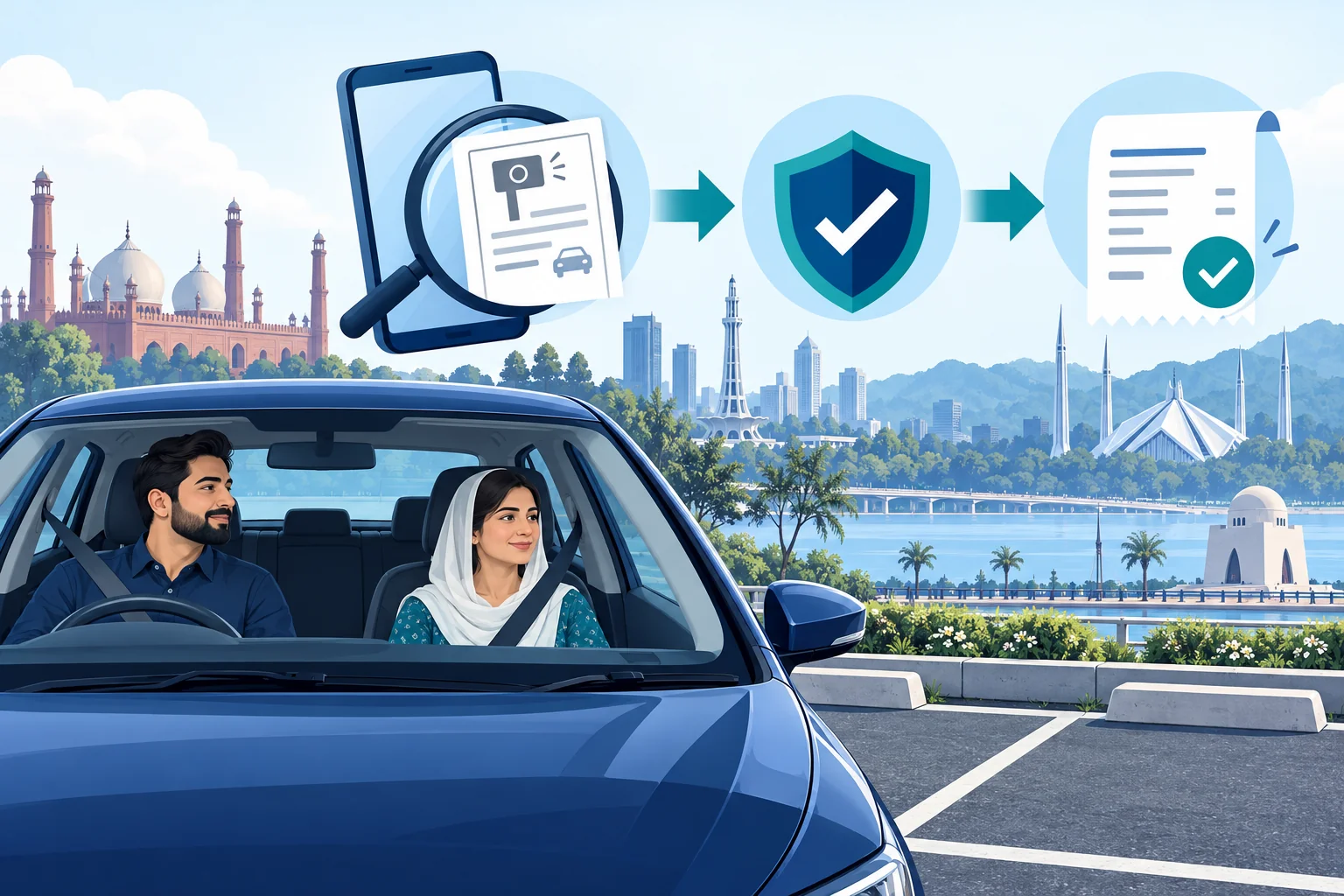
COMMUNITY DRIVER SUPPORT
A clearer way to check and pay
Use our illustrated community handbook to find the issuing authority, compare your record, check payment details and keep proof.
Explore the driver handbookFree PDF · 8 pages · A community support effort by Check E-Challan
Official sources & further help
For your challan amount, payment status and dispute decisions, use the issuing authority. This website explains the process and does not collect fines.