On this page
*Updated: October 2026 · 2026 Guide*
> Quick Answer: If your e-challan has a problem, first identify it: not showing (wait 24–72 hours, re-check plate format), wrong vehicle (possible cloned plate — don't pay, dispute with photo evidence), or paid-but-unpaid (allow 1–2 working days, keep your receipt). For disputes, note the challan number and contact the PSCA, TRACS, or ICT helpdesk with your evidence.
Golden rule: don't pay a challan you believe is wrong just to "get rid of it" — paid challans are far harder to reverse than unpaid ones are to dispute.
Problem 1 — Challan Not Showing Online
You broke a rule (or got an SMS) but the portal shows nothing. Work through this checklist:
- Wait 24–72 hours. Camera footage is verified and matched to the registration record before a challan appears — same-day visibility is not guaranteed.
- Re-enter the plate number exactly. Spacing and format are the #1 cause of "no record found" — enter it exactly as on your number plate and Excise record.
- Try the right portal. Punjab → PSCA, Karachi/Sindh → TRACS, Islamabad → ICT Police. A Lahore challan will never appear on TRACS.
- Retry later. Portals have maintenance windows; an error page at midnight is usually temporary.
Problem 2 — Wrong Challan on My Vehicle (Cloned Plate?)
Open the challan's violation photo and compare it with your vehicle — model, color, and plate. If the vehicle in the photo isn't yours, someone may be driving with a copy of your number plate (plate cloning).
- Do not pay it. Paying admits nothing legally, but it makes reversal much harder.
- Save everything: the challan number, the violation photo, and photos of your own vehicle (with plate visible).
- File a dispute with the photo evidence through your authority's review channel (see Problem 4).
- Report the cloning to the traffic police so it's on record — this protects you against future false challans too. In Punjab, report illegal plate activity on 15 (and file an FIR at the nearest police station if cloning is confirmed). In Karachi, approach the nearest traffic police station (traffic helplines 1715 / 1915). In Islamabad, use the ICT Police online complaint form at islamabadpolice.gov.pk/fms/complaints.php or call 1915.
Problem 3 — Duplicate Challan / Paid but Still Showing Unpaid
Two sub-cases, same first step — check the timelines:
- Wallet payments (JazzCash, Easypaisa, ePay): allow a few hours.
- ATM / bank payments: allow 1–2 working days for reconciliation.
If the window has passed and it still shows unpaid:
- Confirm you paid the correct PSID (not an expired or mistyped one).
- Gather your transaction ID + receipt/SMS.
- Contact the helpdesk (table below) with both — payment reconciliation against a transaction ID is routine, and your money is almost certainly not lost.
A genuinely duplicate challan (same violation, same timestamp, issued twice) is cancelled through the dispute process with both challan numbers cited.
Problem 4 — How to Dispute / Appeal an E-Challan
Step-by-step, whichever authority issued it:
- Note the challan number and download the challan slip + violation photo.
- Collect evidence: the violation photo vs. your vehicle, toll receipts, GPS/location history, or sale deed (for pre-transfer challans).
- Submit through the authority's review channel — in Punjab, use the online Review section on the PSCA portal (echallan.psca.gop.pk): submit the form with your evidence and a Safe City team reviews it, with wrong challans reported as cancelled within 24 hours. You can also visit PSCA Headquarters / Safe City HQ (Qurban Lines, Lahore) in person, or use the PSCA Public Safety app. In Karachi, use the Sindh traffic police review channel. In Islamabad, file through the ICT Police online complaint form at islamabadpolice.gov.pk/fms/complaints.php.
- Note the complaint/reference number you're given.
- Follow up if you hear nothing within the stated window — keep the reference number handy.
Be realistic: reviews take days to weeks, not hours. There is no shortcut — anyone offering to "remove" a valid challan for a fee is running a scam (see the safety note below).
Problem 5 — Sold Vehicle, Challan in My Name
E-challans follow the registration record, not the person holding the keys. If you sold the vehicle but never completed the Excise transfer, new challans still land in your name.
- Complete the ownership transfer at the Excise office — this is the actual fix.
- Keep your sale deed / transfer papers with the sale date clearly documented.
- Dispute pre-transfer challans with proof of the sale date through the authority's review channel.
Prevention beats cure: never hand over a vehicle without filing the transfer paperwork the same week.
Problem 6 — SMS Alert Never Received
The SMS alert is a courtesy, not a guarantee. The portal record is what legally counts — "I didn't get the SMS" does not cancel a valid challan. If alerts matter to you, check that the mobile number registered with Excise against your vehicle is current; an old number means alerts go nowhere.
Make checking a habit: a quick portal check every few weeks costs nothing and avoids surprise blocks at token-tax or transfer time.
Helpdesk Contacts — PSCA, TRACS, ICT
| Authority | Covers | Portal | Helpline / Email |
|---|---|---|---|
| PSCA (Punjab Safe Cities Authority) | Punjab incl. Lahore | echallan.psca.gop.pk | 15 (police helpline; press 6 for e-challan queries) · 042-111-111-015 (PSCA universal access) |
| Sindh Police — TRACS | Karachi / Sindh | sindhpolice.gov.pk | 1715 / 1915 (traffic helplines, media-reported) · TRACS section on sindhpolice.gov.pk |
| ICT Police | Islamabad | islamabadpolice.gov.pk | 1915 (ITP traffic helpline) · online complaint form: islamabadpolice.gov.pk/fms/complaints.php |
Using the wrong authority's channel just adds delay — match the challan to the row above first.
Frequently Asked Questions
1. How do I dispute a wrong e-challan in Pakistan? Note the challan number, collect evidence (the violation photo vs your vehicle, toll receipts, or proof of sale), and submit it through your authority's review channel — PSCA for Punjab, TRACS for Karachi, ICT Police for Islamabad. Keep the complaint number and follow up. Full steps: Problem 4 above.
2. Someone is using my number plate. What should I do? This is plate cloning. Don't pay challans for a vehicle that isn't yours in the photo. Dispute each wrong challan with photo evidence and report the cloning to the traffic police so it's on record — it protects you against future false challans too.
3. I paid yesterday and it still shows unpaid. Is my money lost? Almost certainly not. Wallet payments can take hours and bank/ATM payments 1–2 working days to reflect on the portal. Wait, then re-check. If it persists, contact the helpdesk with your transaction ID — refunds/reconciliation are routine.
4. Can an e-challan be cancelled? Yes, if it's genuinely wrong — cloned plate, wrong vehicle in the photo, or a duplicate of an already-paid challan. Cancellations go through the authority's review process with evidence; there's no shortcut or agent who can "remove" a valid challan for you (anyone offering that is a scammer).
5. Mera challan ghalat gari par aya hai, kya karun? Sab se pehle usay pay na karein. Challan ki photo ko apni gari se match karein — agar gari aap ki nahi, to ye cloned plate ka case ho sakta hai. Challan number note karke dispute file karein: Problem 4 above.
6. The portal shows "no record found" but I got an SMS. Why? Usually a plate-format mismatch — the SMS and portal need the exact registration format (check spaces and letter case). If the format is right, allow 24–72 hours for the record to sync, then retry.
7. Who do I contact for a Karachi challan problem vs a Lahore one? Lahore/Punjab → PSCA helpdesk; Karachi → Sindh Police TRACS; Islamabad → ICT Police. Using the wrong authority's channel just adds delay — the contact table above has each one.
Safety: Dispute only through official channels. Never pay an "agent" to cancel a challan, and never share your OTP, wallet PIN, or CNIC photo with anyone offering challan "help" — no official process asks for these.
*Related guides: E-Challan Check (homepage), E-Challan Lahore, E-Challan Karachi, E-Challan Islamabad, How to Pay E-Challan Online, Traffic Fines 2026*
— *Disclaimer: checkechallan.pk/ is an independent information source and is not affiliated with the government, PSCA, TRACS, ICT Police, or any traffic authority. Dispute procedures change — always confirm the current process on the official portal.*
Frequently Asked Questions — E-Challan Problems & Solutions
My e-challan is not showing online. What should I do?
First, re-enter the registration number exactly as on the plate — most “no record” results are format mistakes (O vs 0, I vs 1, missing dash). Second, wait 72 hours: camera challans take time to upload. Third, try CNIC or chassis number as alternate search.
I received someone else’s challan. What do I do?
Your plate may be cloned. Do NOT pay it. File a dispute immediately: for PSCA call 15 (press 6), for Karachi contact TRACS, for Islamabad call 1915. Provide your vehicle documents and an affidavit that the vehicle in the photo is not yours.
I got a duplicate challan for the same violation. How to fix?
Contact the issuing authority with both challan numbers. Provide the date, time, and location. Duplicates are usually voided after verification of the photographic evidence. Keep both challan printouts.
The challan amount seems wrong. Can I challenge it?
Yes. Fine amounts follow official schedules (Punjab’s Twelfth Schedule, Sindh’s 2025 notification). If the amount doesn’t match the schedule for your violation and vehicle type, file a review with the challan number and a reference to the official rate.
My number plate is not readable in the challan photo. Is it valid?
If the plate is genuinely unreadable, you have grounds for dispute. Request a review — the authority must provide clear photographic evidence linking the violation to your specific vehicle.
How do I contact PSCA for e-challan issues?
Call 15 (press 6 for e-challan), or 042-111-111-015 for PSCA universal access. Genuine SMS comes only from 9915 — never click links in SMS claiming to be challan notifications.
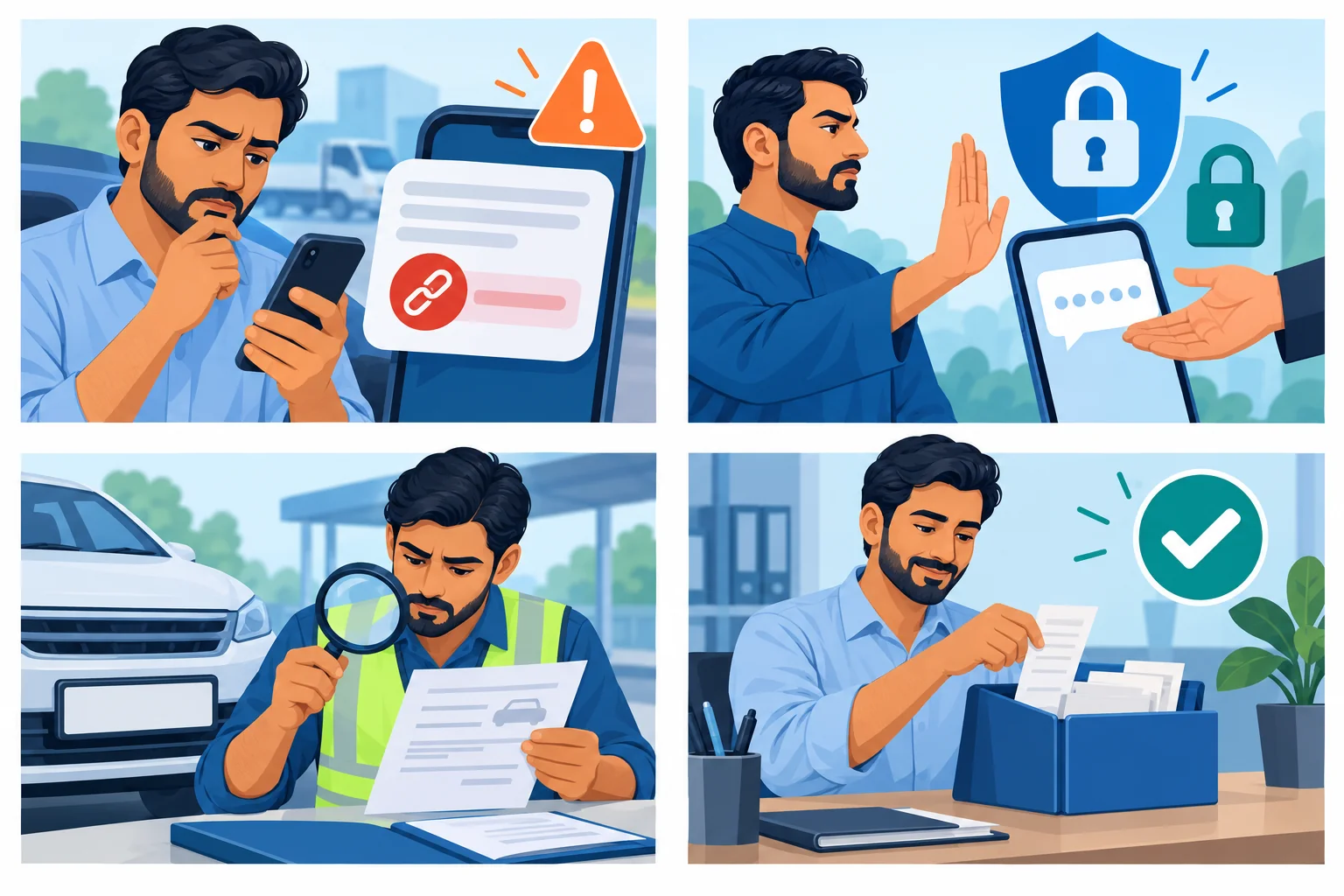
COMMUNITY DRIVER SUPPORT
Check the notice. Protect your information.
Learn how to organise an enquiry, handle payment mismatches and avoid suspicious links or requests for banking codes.
Explore the driver handbookFree PDF · 8 pages · A community support effort by Check E-Challan
Official sources & further help
For your challan amount, payment status and dispute decisions, use the issuing authority. This website explains the process and does not collect fines.